Commands
Full command reference for players and admins.
The main command is /shoppingmall, with aliases /sm and /mall. Admins also have
/shoppingmalladmin (/sma), which opens the admin help.
Require shoppingmall.use (default: everyone). See Permissions.
| Command | Description |
|---|---|
/sm | Open the main menu. |
/sm plots | View your owned and rented plots. |
/sm tp <plot> | Teleport to a plot you have access to. |
/sm pay [plot] | Pay rent (auto-selects if you have only one rented plot). |
/sm balance | Check your balance and plot info. |
/sm ranks | View and upgrade your rank. |
/sm hologram | Manage your plot's hologram (stand in the plot). |
/sm members add|remove <player> | Add or remove a plot member (owner only). |
/sm setentrance | Set your plot's teleport-in point. |
/sm info [plot] | View plot info, by ID or for the plot you're standing in. |
/sm renthistory | View your last 10 rent payments. |
/sm claim-evicted | Recover items from a plot you were evicted from. |
/sm warps | Browse admin warps. |
/sm pwarps | Browse player shop warps. |
/sm pwarp <name> | Teleport to a player shop warp. |
/sm alerts on|off | Toggle new-listing alerts. |
/sm autorenew on|off | Toggle automatic rent renewal. |
/sm pardon <player> | Forgive an evicted tenant so they can rent again (owner only). |
/sm help [page] | Show player help (2 pages). |
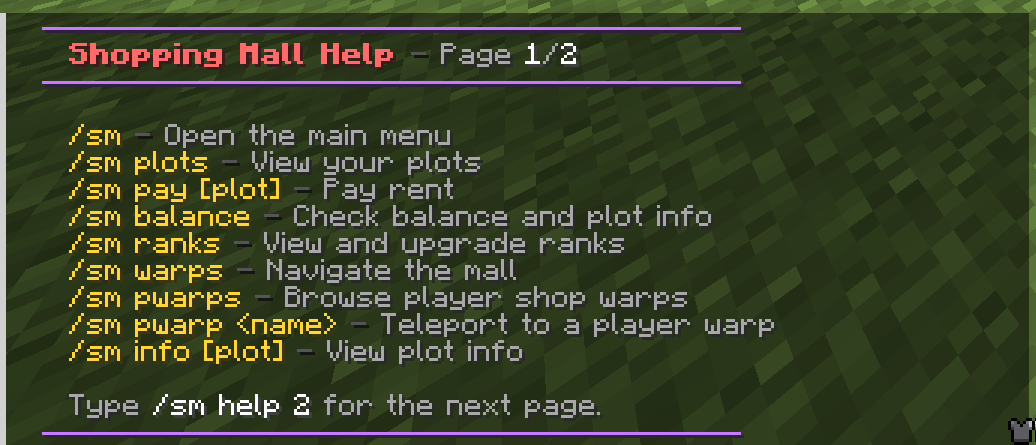
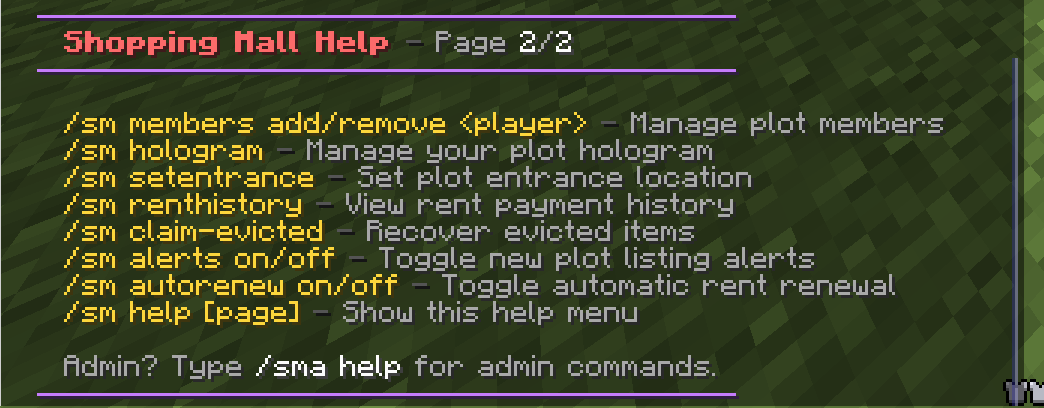
The in-game player help, page 1 and page 2:
Require shoppingmall.admin (default: op).
| Command | Description |
|---|---|
/sm wand | Get the plot selection tool (golden axe). |
/sm create <id> | Create a plot from your wand selection. |
/sm redefine <plot> | Resize a plot using a new wand selection. |
/sm delete <plot> | Permanently delete a plot. |
/sm setrent <plot> <amount> | List an unoccupied plot for rent. |
/sm setprice <plot> <amount> | List an unoccupied plot for sale. |
/sm forcesetrent <plot> <amount> | Set rent even on an occupied plot. |
/sm forcesetprice <plot> <amount> | Set price even on an occupied plot. |
/sm delist <plot> | Remove rent and purchase listings. |
/sm settier <plot> <rent|buy> <tier> [force] | Apply a named price tier to a plot. force overrides an occupied plot. |
/sm tier <create|set|delete|list> <rent|buy> [name] [price] | Manage price tiers. set re-prices every plot bound to that tier. |
/sm forceevict <plot> [tenant|owner|all] [confirm] | Force-remove occupants (2-step from console). |
/sm admin | Open the admin management GUI. |
/sm audit | Open the audit-log viewer. |
/sm viewrequests | Review owner-submitted eviction requests. |
/sm showplots | Outline nearby plots with particles. |
/sm setwarp <name> | Create an admin warp here. |
/sm delwarp <name> | Delete a warp. |
/sm listwarp | List all warps. |
/sm savepreset <plot> | Save the plot's blocks as its reset state. |
/sm togglepvp | Toggle PVP inside plots (live). |
/sm migrate <yaml|sqlite|mysql> [confirm] | Switch storage backend. |
/sm reload | Reload config, messages, and menus. |
/sm help [page] · /sma | Show admin help. |
Many admin commands are console-safe: reload, delete, setrent, setprice,
forcesetrent, forcesetprice, delist, settier, tier, forceevict, info,
listwarp, delwarp, togglepvp, savepreset, migrate, and help can all be run
from the server console.
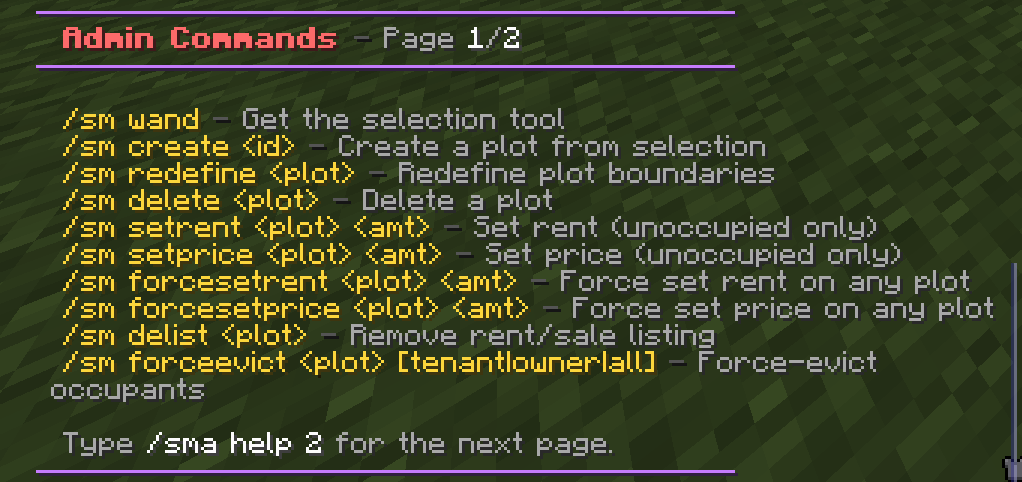
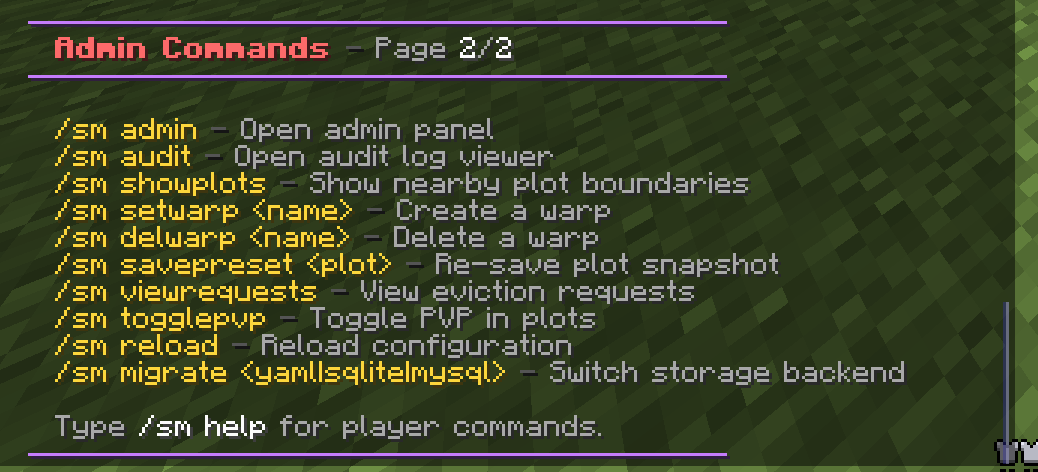
The admin help (/sma), page 1 and page 2: