Installation
Requirements, where to download AT-ShoppingMall, and first-run setup.
Requirements
| Requirement | Notes |
|---|---|
| Server software | Paper / Spigot / Purpur, 1.18.2 or newer |
| Java | 17+ (matches your server) |
| Vault | Required: the economy bridge |
| An economy plugin | e.g. EssentialsX Economy, CMI, or anything Vault supports |
| QuickShop / QuickShop-Hikari | Optional: chest-shops inside plots |
| DecentHolograms | Optional: floating text holograms on plots |
| WorldGuard | Optional: build coexistence inside protected regions |
| PlaceholderAPI | Optional: plot, rank, and economy placeholders |
Vault is a hard dependency. Without Vault and an economy plugin installed, the plugin will not enable.
The four optional plugins below just add extra features when present, the plugin runs fine without them. See Optional integrations for what each one unlocks.
Download
Grab the latest jar from any of the marketplaces:
Install
Stop the server
Shut the server down fully before adding the jar.
Drop in the jar
Move AT-ShoppingMall-<version>.jar into your plugins/ folder.
(Optional) add integrations
Install any soft-depend plugins you want to hook into.
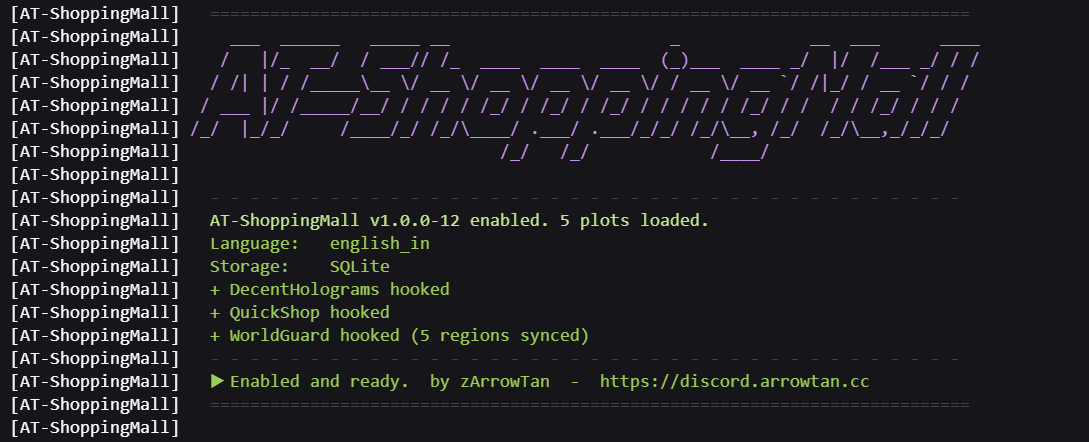
Start the server
The first start needs internet access to fetch the database drivers (used only if you later switch to SQLite/MySQL).
Configure
Edit plugins/AT-ShoppingMall/config.yml to taste, then apply with /sm reload, no
restart needed.
After the first start, the plugin folder looks like this:
Optional integrations
| Plugin | What it adds |
|---|---|
| QuickShop / QuickShop-Hikari | Lets tenants run chest-shops in their plot; shops are auto-removed when a plot is reset or the tenant is evicted. |
| DecentHolograms | Renders plot holograms as real floating text. Without it, hologram data is still stored but not displayed. |
| WorldGuard | Lets plot members build even when the mall sits inside a region that blocks building (e.g. a spawn region). Plot protection itself works without it. |
| PlaceholderAPI | Exposes plot/rank/economy placeholders for scoreboards, signs, and chat. |
First steps
Once running, follow the Setup Walkthrough: it takes you from an empty build
to a paying tenant, and on to evictions, in one page. Or open the main menu in-game with
/sm and poke around.
Anonymous metrics. AT-ShoppingMall reports basic, anonymous usage stats through
bStats (plugin id 31124), the same service most plugins use. It
collects no personal or server-identifying data. To opt out, set enabled: false in
plugins/bStats/config.yml.