Warps & Holograms
Admin warps for mall navigation and player warps for shop discovery.
Admin warps
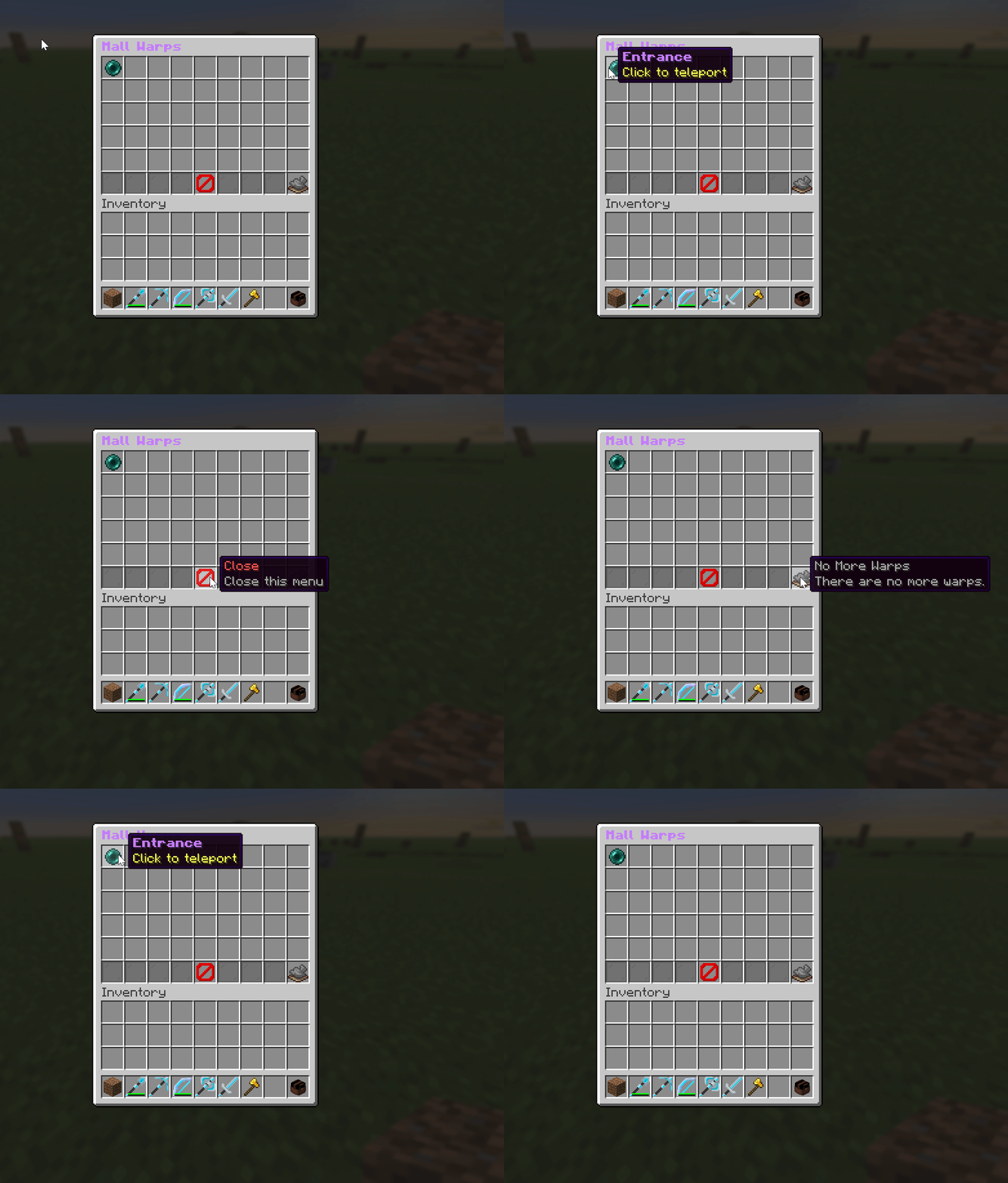
Admin warps are fixed teleport points around the mall: entrances, food courts, themed areas, and so on.
| Command | Permission | Effect |
|---|---|---|
/sm setwarp <name> | admin | Create a warp at your current location. |
/sm delwarp <name> | admin | Delete a warp. |
/sm listwarp | admin | List all warps (works from console). |
/sm warps | player | Open the warp-browser menu. |
Players browse and click admin warps from the Mall Warps menu (/sm → Mall Warps).
Player warps
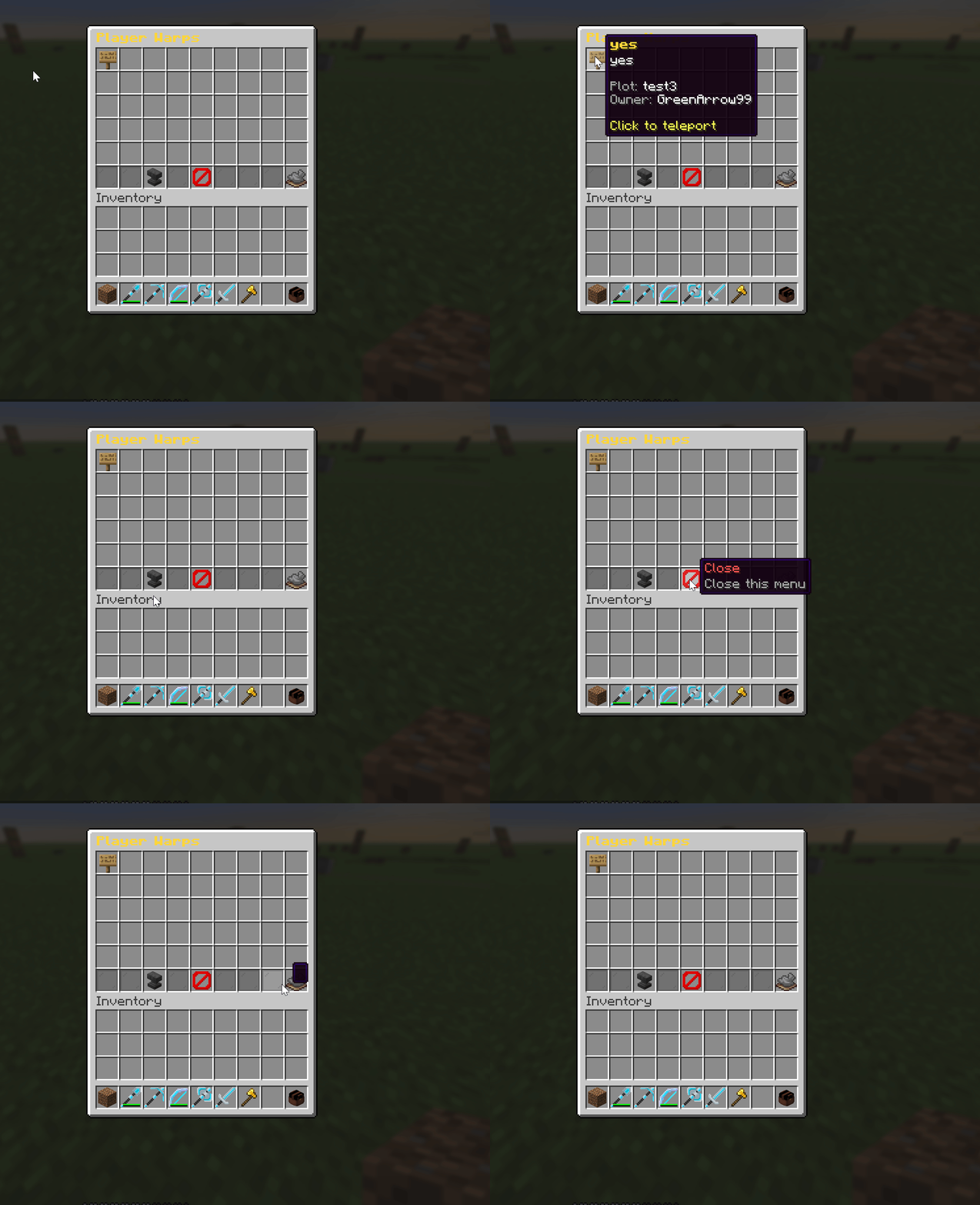
Player warps let tenants advertise their shop so others can teleport straight to it.
| Command | Effect |
|---|---|
/sm pwarps | Browse all player shop warps. |
/sm pwarp <name> | Teleport to a specific player warp. |
Player warps are created from the plot/shop menus. By default a player's warp is cleared
when they leave the plot (leasing.clear-warp-on-tenant-leave).
Holograms
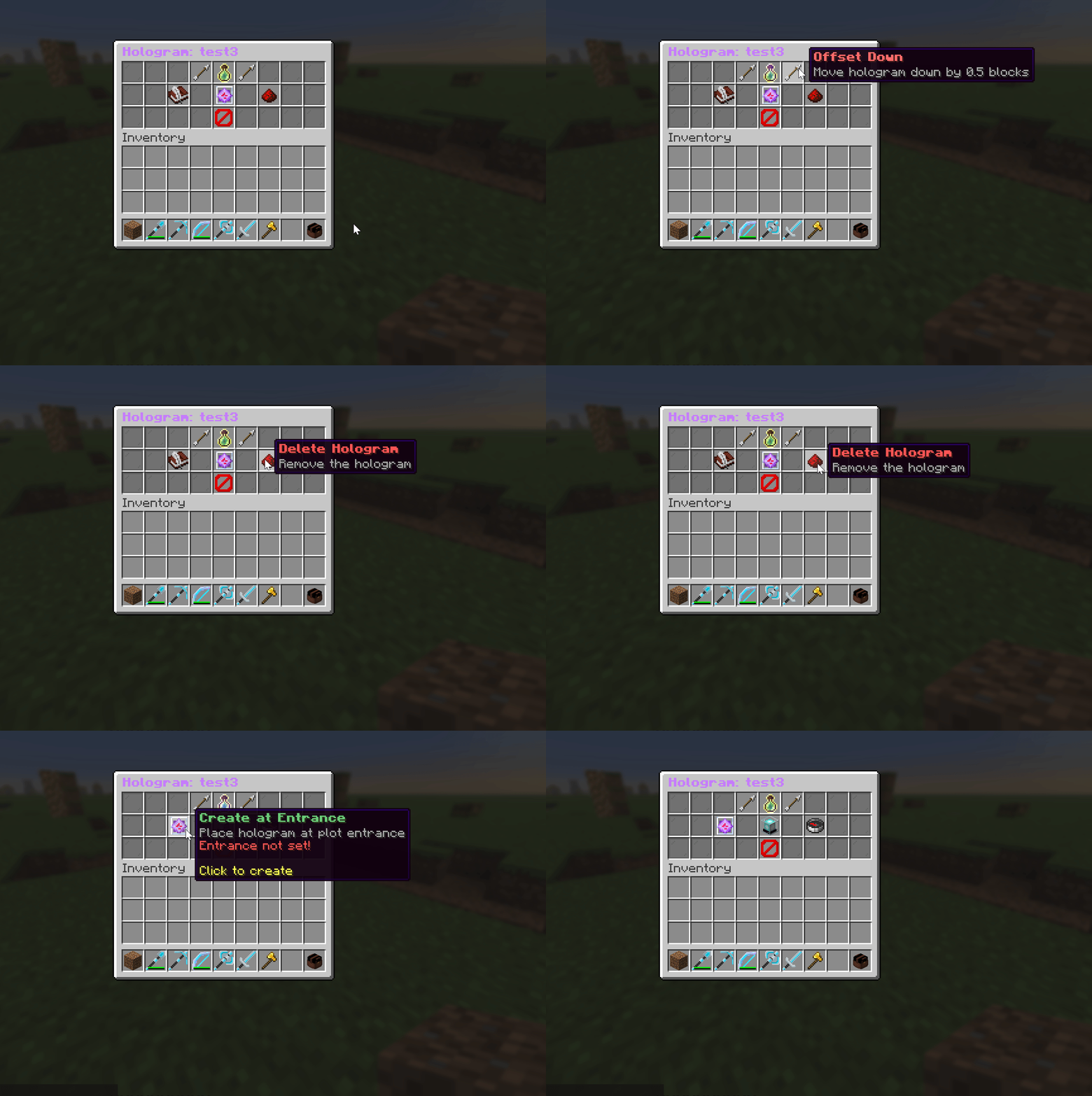
Each plot can show a floating hologram: for a shop name, prices, or a welcome message.
- Manage it with
/sm hologramwhile standing in a plot you have access to (or via the main menu's Holograms button). - Display requires DecentHolograms. Without it, hologram text is still saved but not rendered in-world.
The per-plot hologram menu:
A default hologram floating above a plot:
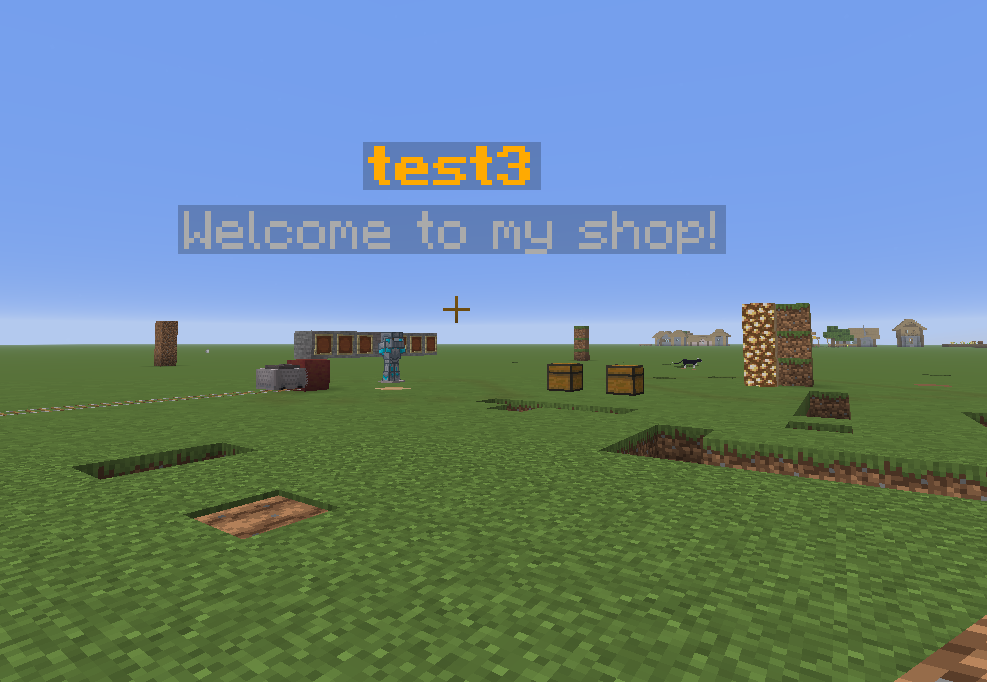
Hologram behaviour is tuned under holograms: in the config:
| Key | Default | Meaning |
|---|---|---|
default-position | ENTRANCE | Anchor point: ENTRANCE or CENTER. |
auto-position-y-offset | 2.5 | Height above the ground when auto-placed. |
enable-boundary-checking | true | Keep holograms from being moved outside the plot. |
The maximum number of hologram lines a player gets can be tied to their rank.